Authentication
How Client Credentials Work
A client ID and secret pair need to be exchanged for a JWT from our auth provider. The exchange process is a POST to https://empiricalsecurity.fusionauth.io/oauth2/token, authenticated with HTTP Basic auth. Provide the client ID as the username and the client secret as the password. The POST request will need to include two values:
grant_type=client_credentials
scope=target-entity:0c6d5dcc-8bf0-4cd1-bd65-066ef0422369
The response to the POST request will be a JSON object and the JWT will be stored in the access_token key.
Empirical API requests should include an Authorization header with a value of Bearer <JWT>.
Your issued JWT is valid for one hour. A new JWT will need to be retrieved, using the same process, when the expiration time passes. The exp claim in the JWT contains the exact expiration time for the token.
An API client can also be set to expire when it is created. Once it expires, requests made with it are rejected with 401 Unauthorized. Create a new API client to keep access.
Organization admins can set a maximum lifetime for new API clients under Settings, Security. While one is set, new clients must expire within it and can’t be set to never expire. Existing clients keep their expiration.
How to Create API Clients
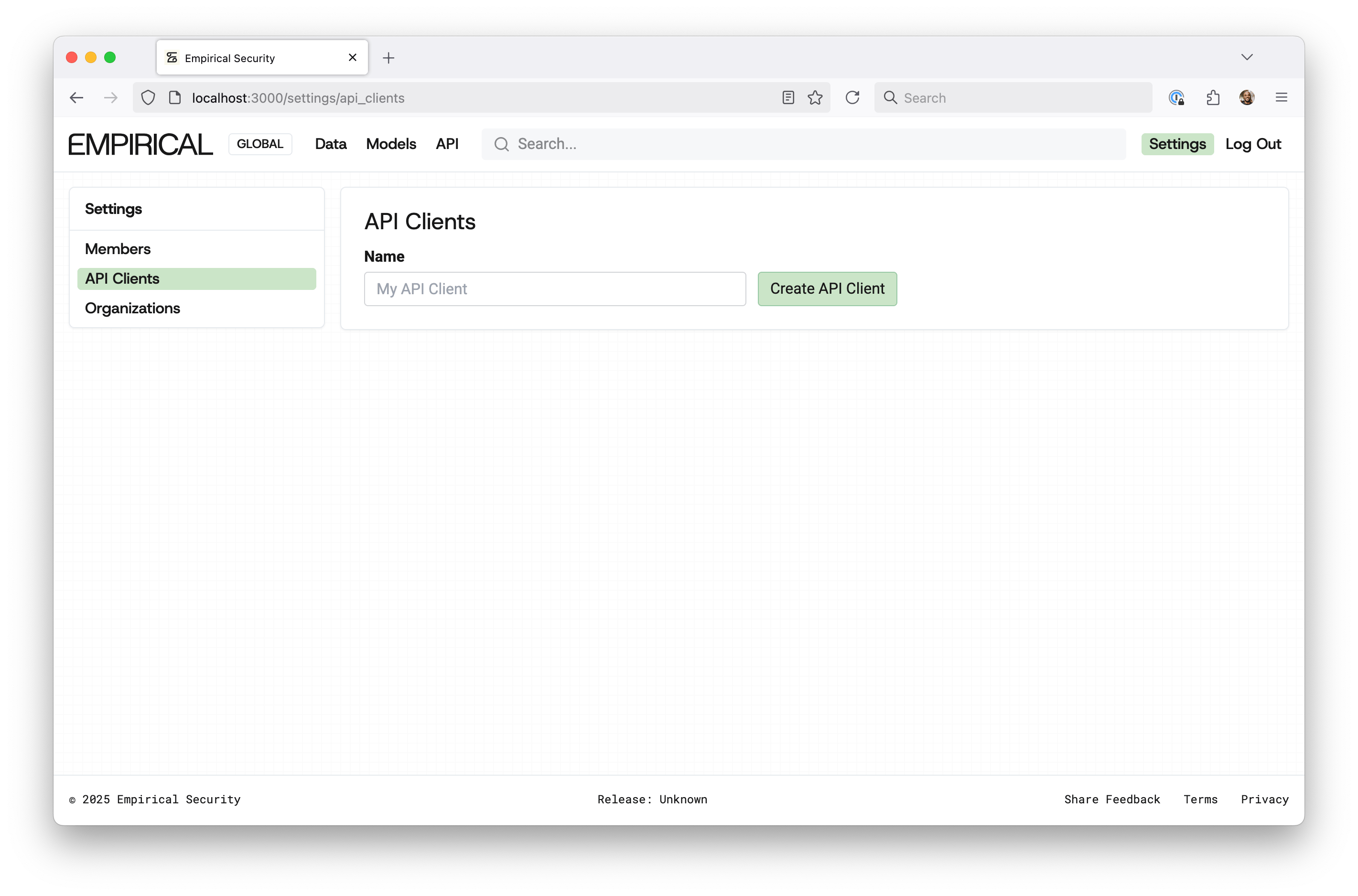
- Login, go to Settings, and click “API Clients”.
- Choose an alias name and when the client expires, from 1 hour up to 1 year, or Never. Click “Create API Client”.
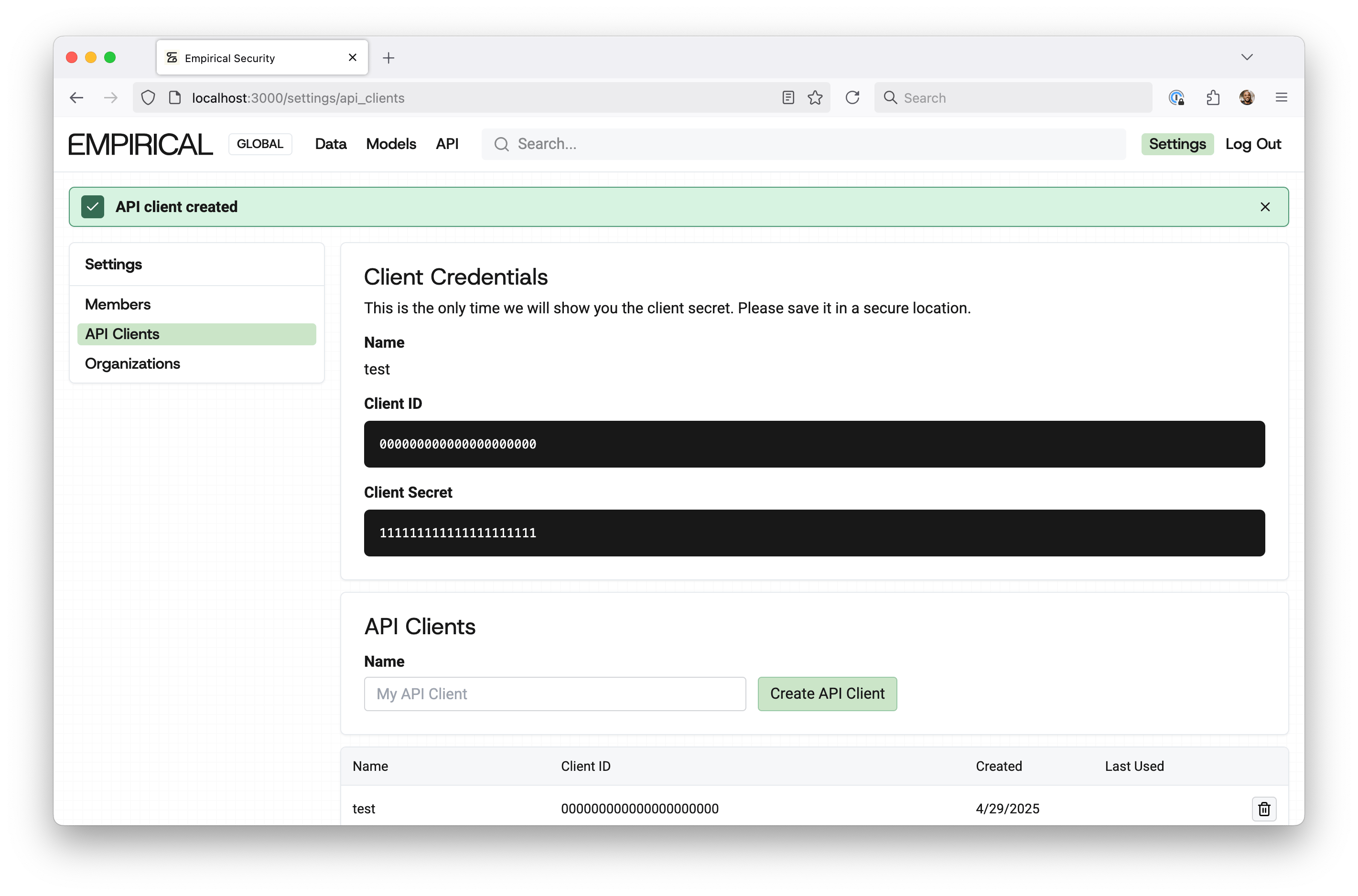
- Copy and save your Client Credentials.

The client secret will only be visible at the time of creation, so be sure to save it.